

Introducing Response Modes
Response modes let you choose how Dexter balances speed and effort for every message. Pick the pace that fits the work, from a quick answer to a deeply checked solution, and switch modes whenever the job changes.Turbo
Get straight to it. For quick answers and momentum. Dexter makes sensible assumptions and gets right to work.
Fast
Move quickly, stay sharp. Your everyday pace. Dexter works fast, pausing only for the questions that truly matter.
Max
Dig into the details. For complex work where correctness matters. Dexter clarifies assumptions, plans the work, and brings in extra agents when useful.
Ultra
Leave nothing unchecked. For your highest-stakes problems. Dexter applies maximum rigor and independently verifies consequential claims before answering.
Share a factory, share the conversation
When a colleague accepts a factory you shared, they now get its Dexter conversations with it: the full transcript, the files attached along the way, and Dexter’s own memory of the thread. They can reply to a conversation they inherited and Dexter picks up where it left off, with all the context you built up.Accepting is instant now. The factory appears straight away and fills in behind a banner instead of making you wait on a loading screen.Working-time calendars in the Gantt
A schedule can now know when your plant is actually open. Give a document, or a single row inside it, a calendar with weekly working patterns and dated exceptions for holidays and shutdowns. Non-working time is shaded on the timeline, so the gaps in a schedule explain themselves.Dependencies that hold work together
Drag from the connector on one bar to another to link them. A dependency can do more than put two items in order:Minimum lag
Force a wait between two items. Curing, cooling and transport time stay respected however you move the work around.
Maximum lag
Cap how far apart two items can drift. If an edit would push the second one too late, ProDex tells you instead of accepting it.
Planning results you can read at a glance
Planning results have been rebuilt around the questions people actually ask:- An inventory adherence heatmap that accounts for what your BOMs consume and when orders are actually due
- Resource utilization measured against real capacity rather than a flat assumption
- An order fulfillment Gantt, which you can flip into a by-resource view to see the same plan from the shop floor’s side
- Filtering by the resource kinds you authored, so a big plan narrows to the part you own
Find out why a plan could not be solved
A plan that cannot be solved no longer just says “infeasible” and leaves you guessing. ProDex re-solves it while relaxing one family of rules at a time, narrows in on the specific constraint, resource or order that is blocking, and names it.Finished runs also report the solver’s own numbers: the objective value it reached, how far from optimal it stopped, and why it stopped there.Chat folders, and exports that carry conversations
Conversations file into folders you create, so a long-running factory stays navigable. Factory exports can now include your Dexter conversations as an opt-in, alongside projects, Gantt documents, model explanations and the knowledge base.Dexter Preferences
Tell Dexter how you like to work once, and every new conversation in your factory starts that way.Set the things you find yourself repeating: how much detail you want back, the units you work in, how much Dexter should check with you before it acts. Preferences apply across the whole factory, so you stop re-explaining yourself at the top of every chat.Helper agents you can watch and steer
When Dexter brings in a helper agent for a piece of work, it shows up as a named card in your conversation. Open it to follow that agent’s own thread, see what it is doing, and send it a note mid-run if it needs pointing somewhere else.Send a message any time
You no longer have to wait for Dexter to finish before you can type. Send whenever you like: your message queues visibly and gets picked up at the next safe moment, so nothing is lost and nothing is interrupted halfway.Sends and half-written drafts survive a page reload, a closed tab, or a connection that drops.Rows that cannot double-book
Every Gantt row now declares whether its work is allowed to overlap. Mark a machine that can only do one job at a time as exclusive, and the timeline flags it the moment two items collide. There is also a new table view for reading a schedule as rows and dates rather than bars.Validation that tells you everything
When a model fails validation you now get the complete list of what is wrong. Long lists used to be cut off with “and 4 more”, which meant fixing one problem only to discover the next. You can also hand the whole list to Dexter in a single click and ask it to work through them.The Gantt workspace
A new place to build schedules directly, rather than only reading one that came out of a planning run.Each factory gets a library of Gantt documents. Inside one, you author the timeline yourself: rows holding items across their planned interval, items split into segments you can move independently, milestones, colours and dependencies. Drag a bar to move it, drag its edge to resize, drag a row to reorder.Start from one of three shapes:Blank
An empty timeline for when you know exactly what you want to lay out.
Project plan
Phases and milestones, for planning a piece of work end to end.
Resource schedule
One row per machine, line or team, for loading real capacity.
Uploads up to 2 GB, and they resume
Files now travel straight from your browser to storage, in parallel, with a progress bar that actually moves. The size limit is 2 GB per file.If an upload fails partway, Retry reuses the parts that already made it across instead of starting the whole file again. Re-uploading a revised file now lands as a new version of it, rather than silently overwriting what was there.A real file manager
The file browser grew up. Nested folders for uploads and reports, moving files by menu or by dragging them, and desktop-style selection with Shift and Cmd for picking out a range.Bulk Move, Download and Delete apply to whatever you selected. Download any selection, or an entire folder including everything nested inside it, as a single ZIP.Usage and spend for team admins
Team admins get a Usage section showing where the organization’s credits are going: pooled allocation, a per-member table of conversations and credits used, licensed seat and overage charges, and a CSV export for taking the numbers elsewhere. Each admin sets their own warning thresholds.The Usage section applies to organizations on a usage-based contract.
Explain this chart
Every chart and KPI card has a ? button. Press it and a written explanation of what you are looking at streams into a popover: what the chart is measuring, and what the shape of it means. It does not touch your main conversation, so you can ask about a chart without derailing what you were working on.Experiments now run every scenario many times
A single simulation run is one roll of the dice. Comparing two scenarios on one run each tells you very little about which is genuinely better.Experiments now run each scenario up to 1,024 times with different random seeds, and report mean, median, a 95% confidence interval, and min/max for every one. You can finally see whether two scenarios are meaningfully different or just noisy. Monte Carlo now lives on the results page alongside the rest of your analysis.Model explanations on the canvas
Dexter’s written explanation of what a model represents now sits as a pill on the canvas itself, instead of being buried in a conversation you had last week. Node names inside it are clickable and focus the canvas behind the explanation.If you have edited the model since the explanation was written, it says so, so you are never reading a description of a model you no longer have.Enterprise sign-in options
Two new ways for organizations to handle sign-in:- Magic link sign-in, so people get in from an emailed link with no password to manage
- Trusted header mode, which lets a customer-hosted deployment sit behind your own identity provider with no separate registration at all
Custom workflows
The procedures you repeat can now be captured as workflows that persist across conversations, instead of being re-explained to Dexter every time. Correct one once and the correction sticks.The builder gives you templates to start from, a stepper for walking through the shape of a workflow, a graph view for seeing how it fits together, and a schedule editor for workflows that should just run on their own.Reports you can hand to someone
Dexter’s reports are real deliverables now: PDFs, PowerPoint decks, Word documents and Excel workbooks. PDFs and decks render through a shared design system, so a report you produce in March and one you produce in September still look like they came from the same company. Word and Excel outputs are clean, editable copies rather than branded ones.Report folders keep the library organized as it grows.Excel recalculation and macros
Dexter can open a workbook, read its formulas and macros, recalculate it, and run a macro for you. It checks the result against a known-good copy before handing it back.Your uploaded file is never modified. You always get a new copy.Planning constraints in plain language
Some rules do not fit a standard planning form: a minimum lot size, a cap on how many distinct products run in one interval, a minimum run length, two products that must never be made at once.Describe the rule to Dexter in ordinary English and it becomes a real constraint the optimizer solves against. If a rule genuinely cannot be expressed, you find out immediately rather than after a long run.Service status, visible in the product
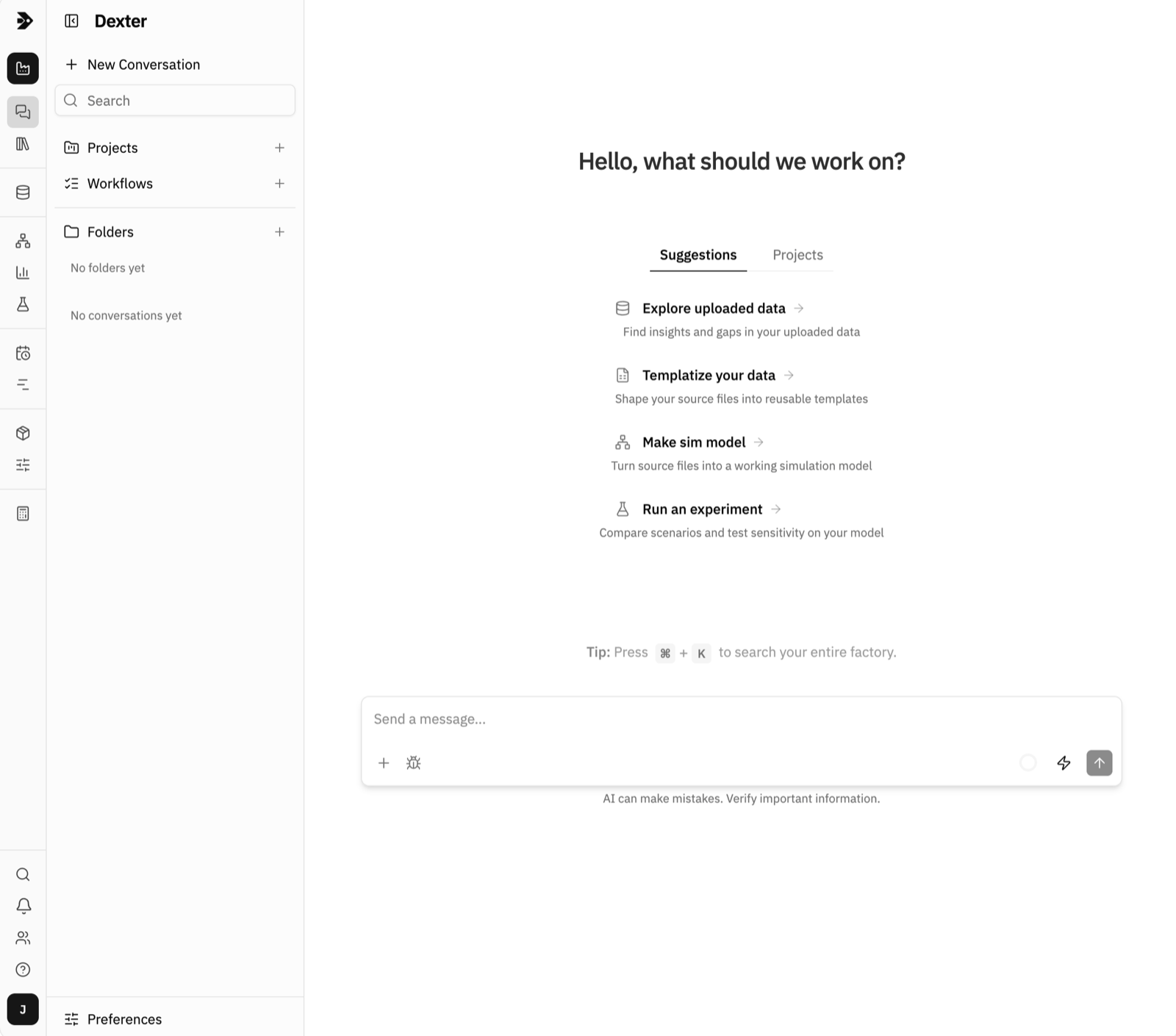
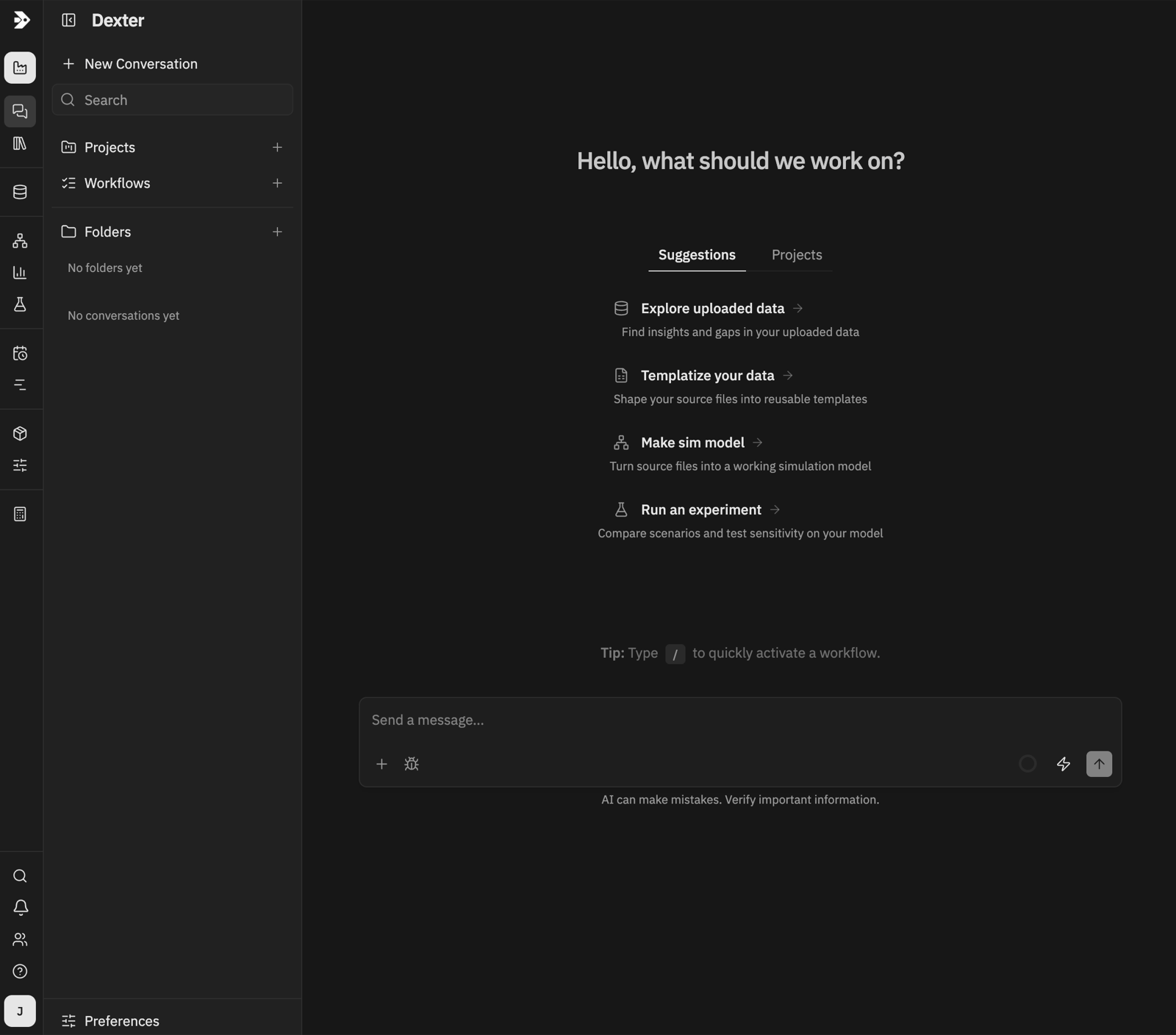
If ProDex is degraded, a banner now tells you so, with detail on what is affected. A slowdown is explained by the product rather than discovered through a click that will not complete. During planned maintenance, a maintenance mode can hold non-admin users out until the work is done.Dark mode
Search everything
Press Cmd+K (or Ctrl+K) anywhere for one search across the whole product: models and the individual nodes inside them, files, insights, reports, knowledge base documents, and your Dexter conversations right down to the text of single messages. Matches come back with the surrounding snippet highlighted, so you can tell which result you want before opening it.The evidence behind every number
Any number a model produces can now show you where it came from. An Evidence panel sits collapsed as a row of badges, marking each input as assumed, stated or data, and expands into a full ledger of what fed the result.Click a segment of the badge row and the canvas dims to just the nodes it refers to, so “which part of the model does this rest on?” becomes something you can see rather than something you have to trace. Evidence survives a snapshot restore and travels with a factory export.Runs that tell you what they changed
Simulation engines quietly fix things: a value out of range gets clamped, a missing setting gets a default, a number arrives as the wrong type and gets coerced. Those adjustments used to be invisible, which made a surprising result hard to explain.Every one of them is now recorded and surfaced three ways: as a toast while the run is going, as rows in the event log placed at the simulation time they happened, and as a table you can query afterwards. A model that runs away now stops with a real diagnostic instead of disappearing.Seeded runs you can reproduce exactly
Single runs now accept a random seed. The same seed gives the same trajectory every time, so you can replay an anomaly exactly as it happened, or compare two configurations knowing the difference between them is your change and not a fresh roll of the dice.Preview Excel, Word and PowerPoint
Every file has its own full-screen page with a real link, so you can send someone a URL that opens the file rather than telling them where to look for it.Preview now covers Excel workbooks with a sheet switcher, plus Word and PowerPoint. That matters most for Dexter’s own reports, which used to be download-only.Planning that models how you really produce
A significant step up in what the planner can represent:- Routes, so the same product can be made several ways, and the plan tells you which route made each quantity
- Fractional recipe quantities, for when a component is not consumed in whole units
- Production lead time, so a plan respects how long making something actually takes
- Per-interval resource profiles, for capacity that changes week to week
- Work already in progress, declared with an availability offset so a plan starts from where you really are